
.png)

Description
Download League of Angels – Free MMORPG, Secure Download, Windows & Mac Compatible
Overview
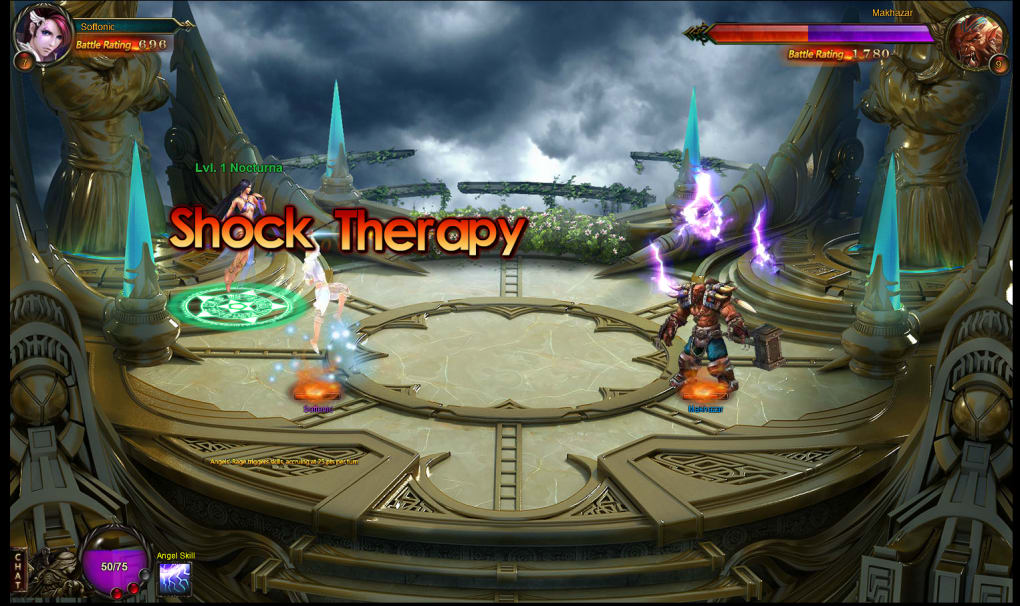
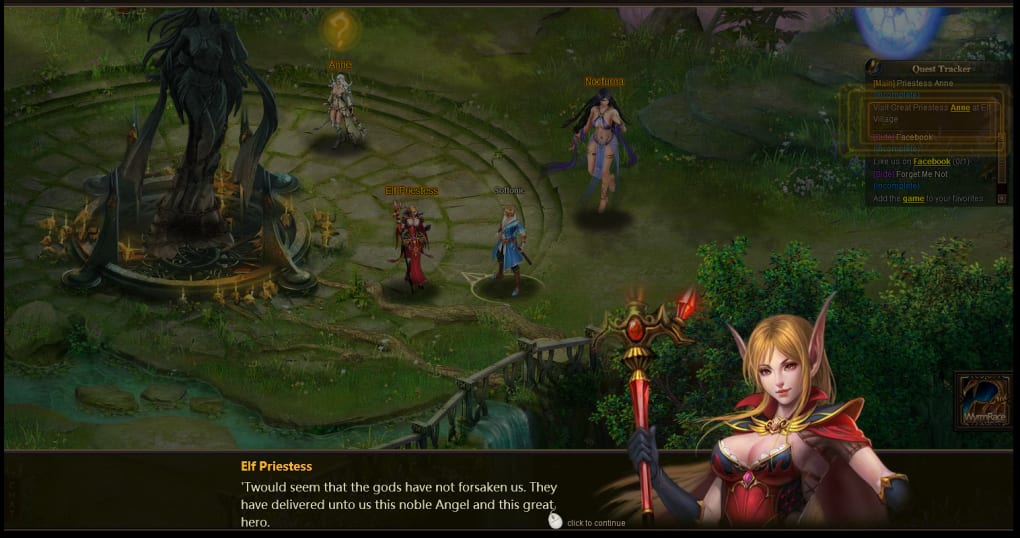
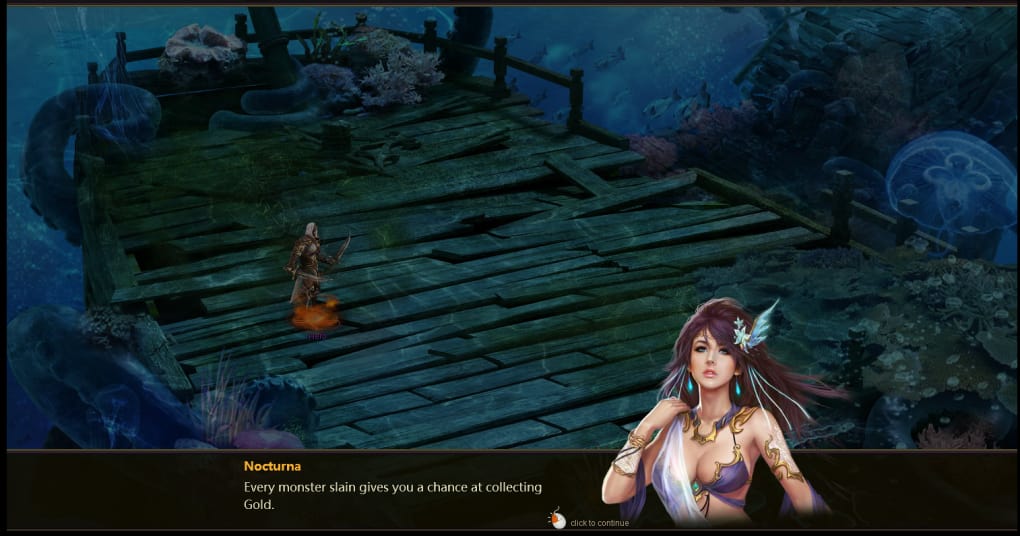
League of Angels is positioned as a free‑to‑play fantasy MMORPG where players assume the role of an adventurer tasked with freeing celestial beings to boost personal power. On paper, the premise promises a blend of mythic storytelling and strategic combat, but the execution falls short in several critical areas. The narrative is minimalist to the point of being dull, offering little incentive for players to become emotionally invested in the world. Character designs, particularly the angels, lean heavily on stereotypical aesthetics rather than delivering a diverse or compelling roster. Moreover, the game’s monetization model is aggressive; micro‑transactions are priced well above the industry average, making progression feel almost mandatory for those unwilling to spend real money. Gameplay suffers from a repetitive quest chain and an auto‑battle system that removes meaningful player interaction, reducing combat to a series of clicks on floating gold coins. While the 2D graphics are simple enough to run on low‑end hardware, they are visually unremarkable and contribute to a sense of sameness throughout the game world. In short, League of Angels provides a free download experience that is technically secure and widely compatible, yet it lacks the depth, polish, and fair monetization that players expect from modern MMORPGs.
Core Features & Gameplay Mechanics
Despite its many shortcomings, League of Angels does incorporate a handful of features that are worth noting, especially for players who prioritize low system requirements and quick setup. Below is a concise feature list that outlines what the game actually delivers.
- Free-to‑play model with optional in‑game purchases.
- Basic 2D graphics that run smoothly on older PCs and most mobile devices.
- Auto‑battle combat system that requires minimal mouse interaction.
- Quest‑driven progression focused on freeing angels to unlock new abilities.
- Simple inventory system for equipment and consumables.
- Cross‑platform support for Windows, macOS, Android, and iOS.
- Regular (though infrequent) content updates that add new angels and quests.
- Community chat and basic guild features for social interaction.
While these features provide a baseline for an online role‑playing experience, they are not enough to compensate for the game’s lack of narrative depth, repetitive combat, and heavy reliance on micro‑transactions. Players seeking a rich storyline or strategic gameplay will likely find the feature set underwhelming.
Installation, Setup, and First‑Time Play
Getting League of Angels up and running is straightforward, which aligns with the game’s promise of an easy, secure download. The process begins at the official website, where users can click the “Download” button for their respective operating system. The installer is a small executable (approximately 150 MB) that requires standard Windows, macOS, Android, or iOS permissions. For desktop users, the installer prompts for a default installation folder and offers an optional shortcut on the desktop.
After installation, the first launch initiates an automatic update check. The game’s patcher downloads the latest assets, which typically total less than 500 MB, ensuring that players start with the most recent content and security fixes. Once the update completes, a brief tutorial guides new users through character creation, basic movement, and the auto‑battle interface. Because combat is largely automated, the tutorial emphasizes clicking on gold coins that appear after each encounter to collect rewards.
For mobile users, the process mirrors that of any standard app: locate League of Angels in the Google Play Store or Apple App Store, tap “Install,” and wait for the download (around 200 MB). The app then performs a one‑time data sync before presenting the same introductory tutorial. Overall, the installation experience is secure, quick, and compatible with a wide range of devices, making it accessible for players who prefer a hassle‑free setup.
System Compatibility, Pros & Cons
League of Angels supports Windows 10/11 (32‑bit & 64‑bit), macOS 10.13 or newer, Android 5.0 and up, as well as iOS 11 or newer. The low graphical demands mean it can run on machines with as little as 2 GB RAM and integrated graphics, making it an appealing choice for users with older hardware.
Pros
- Free download with a secure installer and no hidden malware.
- Runs smoothly on low‑end PCs and most modern smartphones.
- Cross‑platform play allows friends on different devices to interact.
- Simple auto‑battle system is easy for beginners to understand.
- Regular content patches keep the game from becoming completely stagnant.
Cons
- Storyline is minimalist and fails to engage players emotionally.
- Character designs are generic and rely on overused visual tropes.
- Combat offers little interaction, reducing the experience to “click‑and‑wait.”
- Micro‑transactions are priced high, creating a pay‑to‑win perception.
- 2D graphics are basic and repetitive, lacking visual variety.
In summary, while the game’s technical compatibility and low entry barrier are commendable, the artistic and design flaws heavily outweigh these advantages. Players looking for a deep, immersive MMORPG should consider alternatives, whereas those who simply need a free, low‑resource game to pass time might find it acceptable.
Frequently Asked Questions & Final Verdict
Is League of Angels truly free to play?
Yes, the base game can be downloaded and played without any upfront cost. However, the in‑game shop offers items and power‑ups that can be purchased with real money, and many of these are priced higher than typical free‑to‑play titles.
What are the minimum system requirements?
The game requires at least a 1 GHz processor, 2 GB RAM, and a graphics chip supporting OpenGL 2.0. It runs on Windows 7/10/11, macOS 10.13+, Android 5.0+, and iOS 11+.
Can I play with friends on different platforms?
Yes, League of Angels features cross‑platform matchmaking, allowing Windows, macOS, Android, and iOS users to join the same servers and cooperate in quests.
Is the auto‑battle system optional?
Unfortunately, the auto‑battle mechanic is integral to the combat experience. Players cannot switch to a manual combat mode, which limits interaction during fights.
How often does the game receive updates?
Updates are released roughly once a month, focusing on bug fixes, new angels, and occasional seasonal events. Major content expansions are rare.
Final Verdict
League of Angels offers a secure, free download and impressive compatibility across a range of devices, which makes it accessible to a broad audience. However, its lackluster story, repetitive auto‑battle system, and pricey micro‑transactions undermine the overall experience. If you are searching for a lightweight MMORPG to play casually on an old PC or a mobile device, it can serve that purpose. For players who value narrative depth, strategic combat, and fair monetization, it is advisable to explore other titles that deliver a richer, more balanced adventure.
Ready to try it out? Click the download button below to install League of Angels securely and start your angel‑freeing journey—just keep your expectations realistic.
Pros: Free download, low system requirements, cross‑platform play.
Cons: Weak story, auto‑battle only, high micro‑transaction costs, basic graphics.
Guides & Tutorials for League of Angels
How to install League of Angels
- Click the Preview / Download button above.
- Once redirected, accept the terms and click Install.
- Wait for the League of Angels download to finish on your device.
How to use League of Angels
This software is primarily used for its core features described above. Open the app after installation to explore its capabilities.
User Reviews for League of Angels 0
No reviews found




